
01
Native synchronized audio
Create dialogue, environmental sound, and action effects that match the scene, reducing manual sound sourcing and alignment.
Sign in to claim 100 credits and create with Hailuo 03
Hailuo 03 brings visuals, motion, camera direction, and sound into one workflow for more natural, coherent, and controllable text-to-video and image-to-video creation.
Turn a description of the scene, character, action, and style into motion
Animate a reference image while preserving its subject and visual direction
Create dialogue, sound effects, and ambience alongside the visuals
From a single-shot idea to a multi-shot short, Hailuo 03 gives creators unified control over visuals, sound, camera language, and narrative rhythm.
Create dialogue, environmental sound, and action effects that match the scene, reducing manual sound sourcing and alignment.
Describe push-ins, pull-outs, pans, orbits, overhead shots, and composition in natural language to guide each shot.
Plan cuts and transitions through prompts while maintaining character, mood, and story logic across a sequence.
Guide the opening state with reference frames and continue existing clips with smoother motion and audio continuity.
Explore different subjects, shots, and sound designs for everything from brand films to social content.
Build a complete mood through scene design, lighting, performance, and camera direction.
Add natural motion, depth, and camera movement to portraits, products, or illustrations.
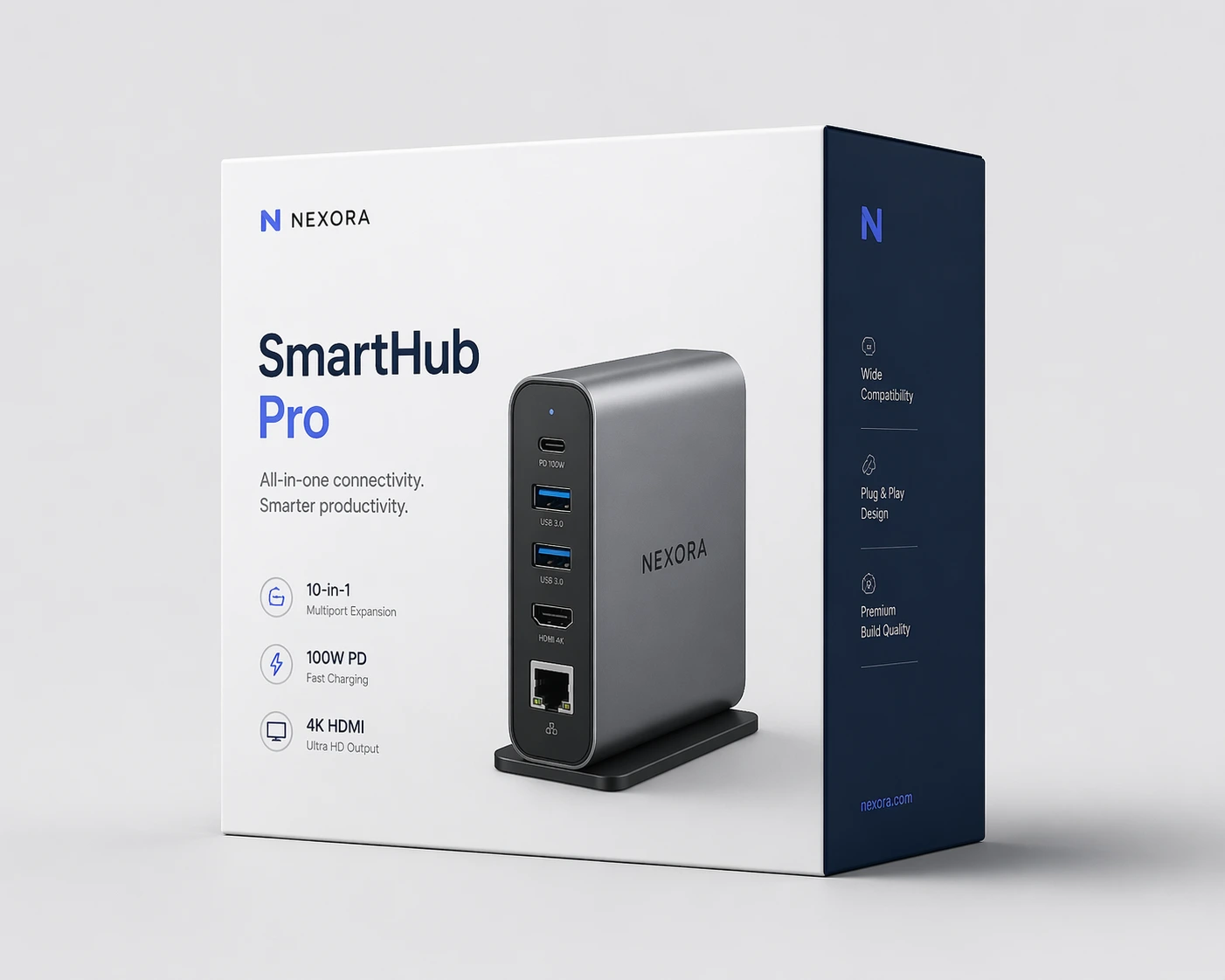
Generate product showcases and advertising concepts with controlled framing and pacing.
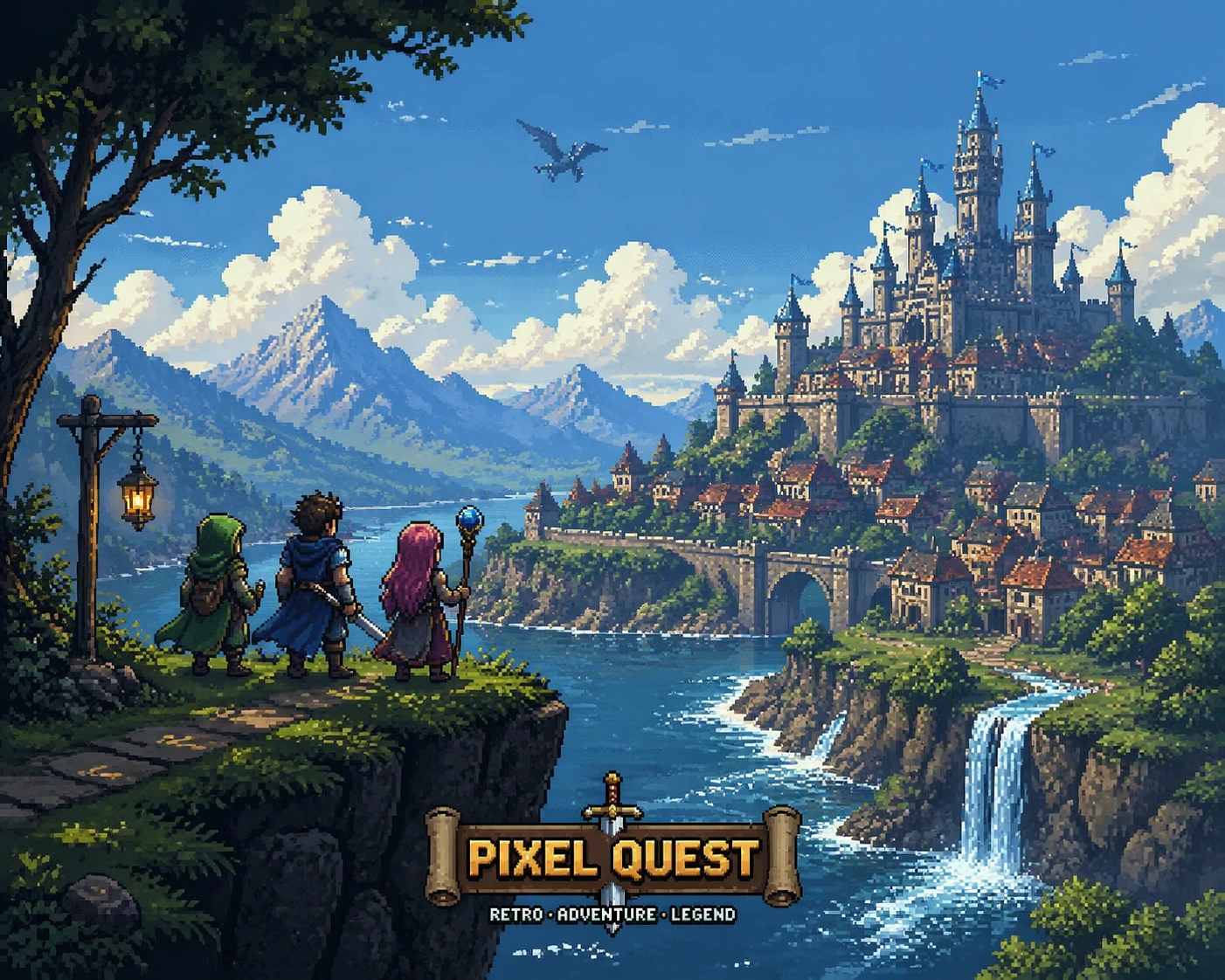
Use prompts to direct cuts, transitions, and narrative progression.

Let sound follow on-screen events for a stronger sense of space and immersion.

Produce dynamic assets for short videos, teasers, and visual experiments.
From source material and camera language to sound and extensions, every step follows your creative intent.
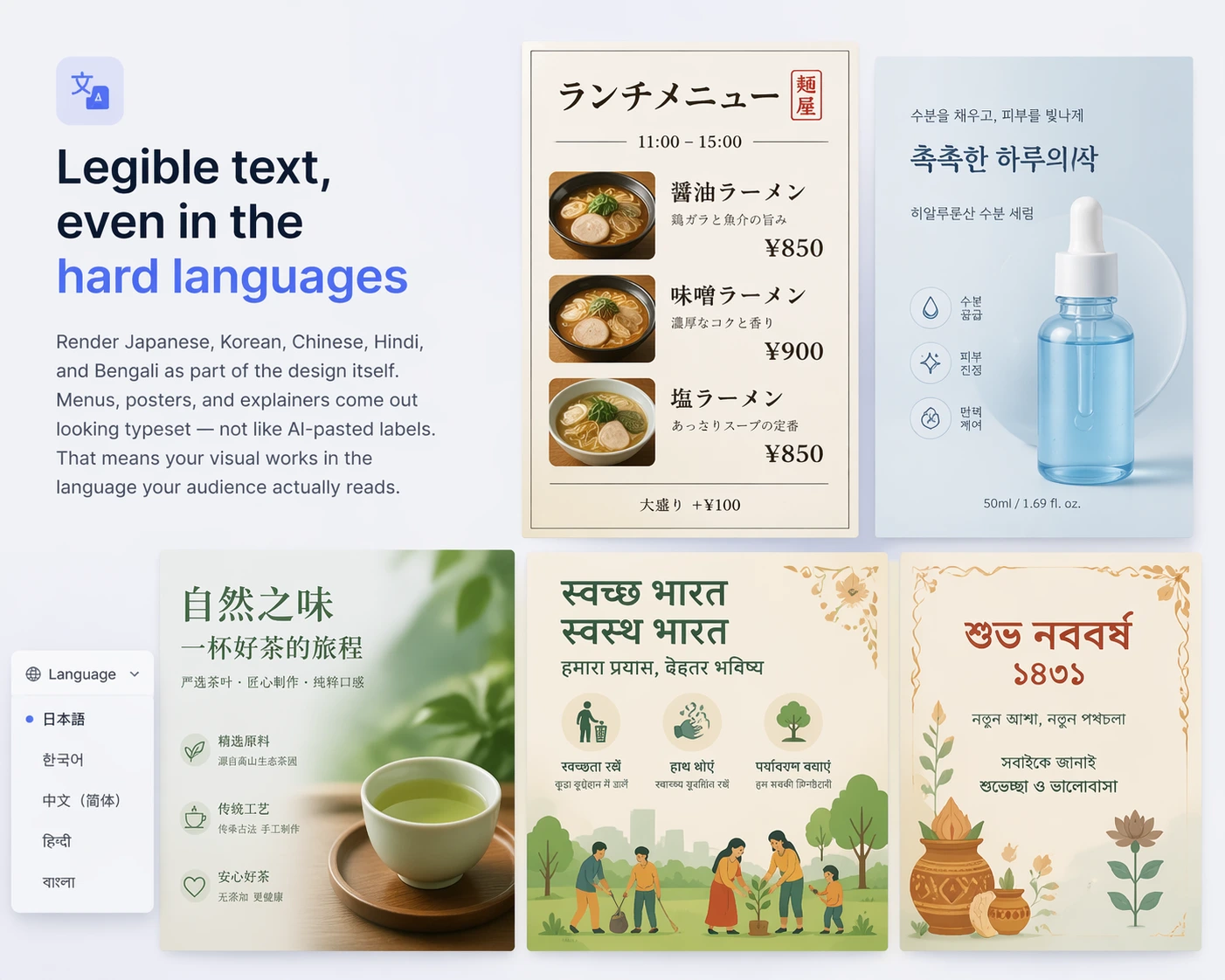
Write a complete prompt or upload one reference image. Define the subject, action, setting, style, and light to establish the scene.
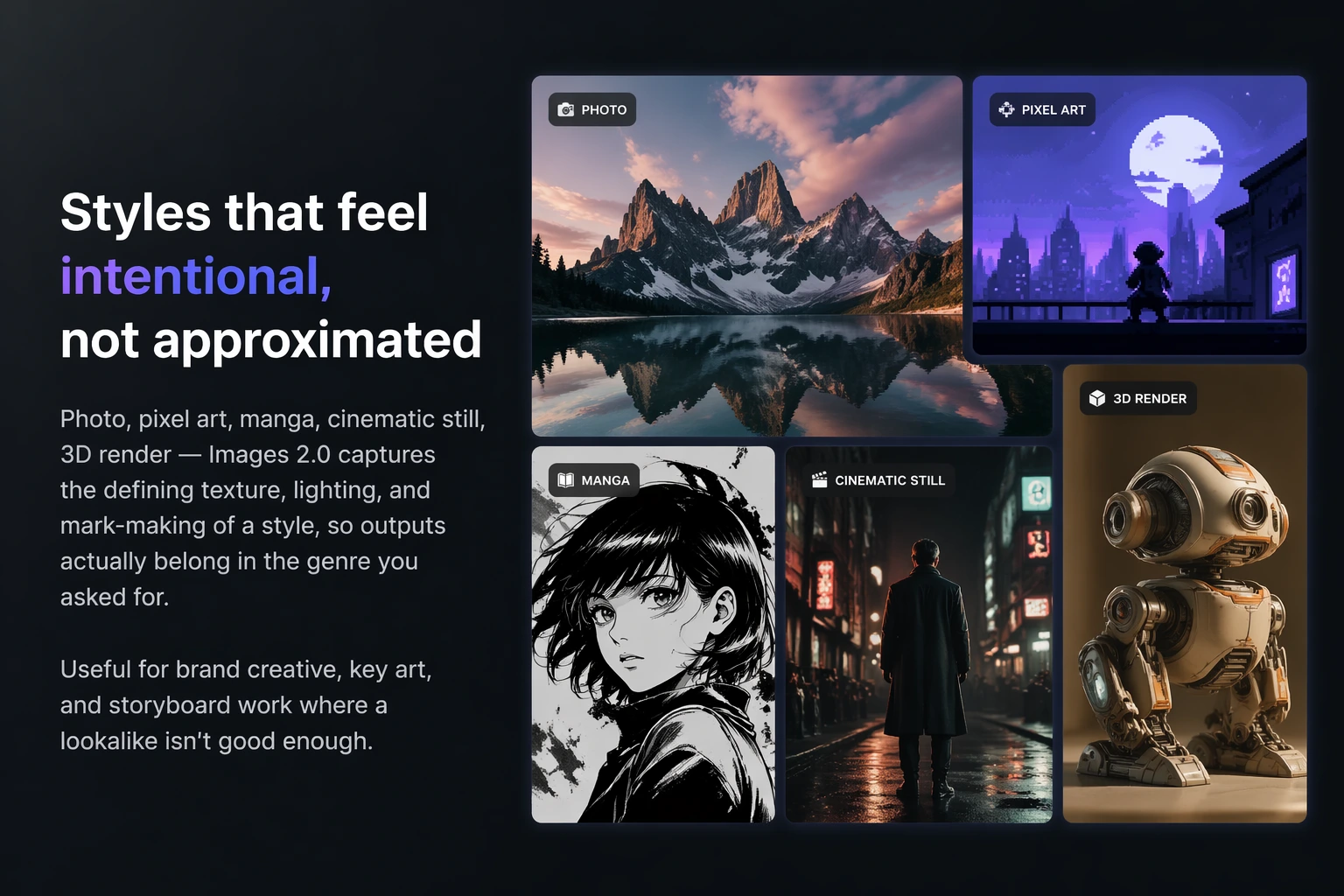
Specify framing, camera position, movement, and pacing directly in the prompt to guide the result toward your storyboard.
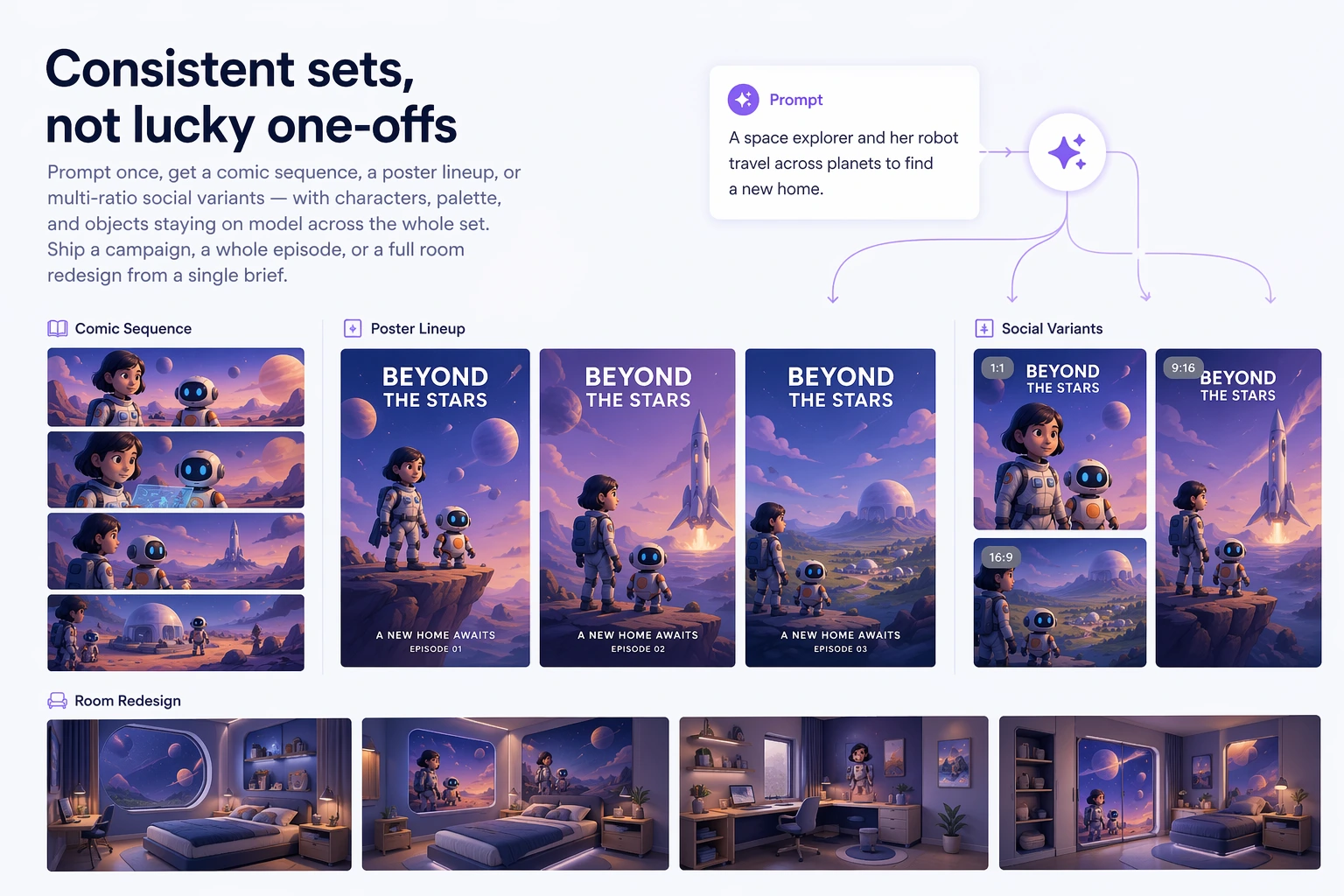
Plan multi-shot sequences, natural transitions, and synchronized audio so the result feels like a story rather than an isolated clip.
Express camera intent more precisely, create more natural motion, and develop visuals and sound in one workflow.
Interpret subjects, actions, settings, styles, and camera instructions so complex ideas translate more clearly to video.
Use an image as a visual anchor for the character, product, composition, and overall art direction.
Create more coherent character movement, object interactions, and camera motion with fewer abrupt changes.
Develop dialogue, ambience, and action effects with the visuals to shorten the path from concept to finished clip.
No advanced editing experience required. Start with an idea or a single image.
Start with text to video or image to video based on the creative direction.
Describe the subject, action, setting, style, lighting, camera movement, and sound.
Check visual quality, subject consistency, pacing, and audiovisual sync, then refine the prompt.
Save the result, or continue the story with keyframes and video extension.
Explore ideas quickly or develop complete shorts with a lighter path to polished motion content.
Turn a script, visual description, or single idea directly into a video.
Bring portraits, illustrations, concept art, and product images to life.
Build a more complete visual story with planned cuts and transitions.
Create dialogue, sound effects, and ambience that support the scene.
Hailuo 03 helps different kinds of creators test concepts with stronger shot control, reference consistency, and audiovisual design.
Defining the character, action, camera move, and sound makes the process feel much closer to building a real storyboard.
The reference image gives the product a clear visual anchor, while the camera motion can be expressed directly in the prompt.
Multi-shot direction and scene transitions turn a beautiful clip into a short piece that can actually tell a story.
More coherent motion and spatial interaction save time when testing visual concepts before production.
Developing visuals and ambience together is especially useful for brand films and social video.
The speed from a written idea to a preview makes it easy to explore several creative directions before production.
Learn about Hailuo 03 text to video, image to video, audio, camera control, and the creative workflow.
Hailuo 03 is an AI video generation model for creating video from text prompts or reference images, with audiovisual generation, camera control, and multi-shot storytelling capabilities.
Yes. You can describe a scene, character, and action from scratch, or upload a reference image to guide the subject, composition, and visual style.
The Hailuo 03 audiovisual workflow can pair video with dialogue, action effects, and ambience. Available options may vary with the model capabilities currently shown in the generator.
Prompts can describe shot size, camera position, composition, push-ins, pull-outs, pans, orbits, overhead shots, and other camera motion. Clear instructions with limited competing movements tend to work best.
Use a clear reference image and keep descriptions of appearance, wardrobe, setting, lighting, and style consistent. Repeating those anchors across a multi-shot sequence can reduce visual drift.
You can start with included credits. Credit use may vary by model, duration, and output settings; check the generator for the current cost before creating.
Enter a prompt or upload an image and turn your idea into an AI video with shots, sound, and story.